
Agent-Based MFT Architecture Built for Hybrid File Workflows
Centralized cloud MFT orchestration. Flexible local execution where your data lives.

Modern File Workflows Are Distributed. Your Secure File Transfer Solution Should Be, Too.
The reality is that file transfer is often the connective tissue between legacy systems, cloud platforms, business applications, partners and regulated environments. The challenge is not simply moving files, but doing so reliably, securely and with visibility across environments that were never designed to operate as one.
Traditional monolithic managed file transfer (MFT) architectures force files through a centralized execution hub. That can create unnecessary data movement, network bottlenecks, latency, operational complexity and friction with security policies. When data sits behind firewalls, in isolated networks or across distributed sites, the complexity grows. Script-based workarounds can introduce additional risk by spreading file logic across fragile, hard-to-audit processes.
Progress® Automate MFT software takes a different approach by keeping control centralized while moving execution closer to the data.
What Is Agent-Based MFT Architecture?
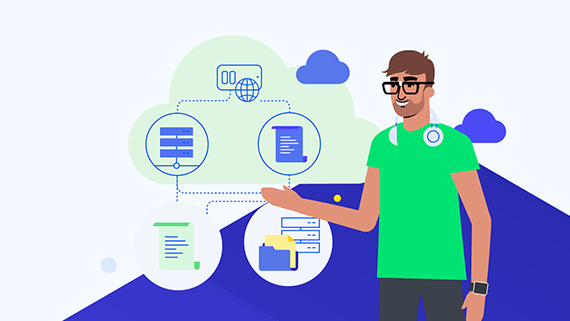
Agent-based MFT architecture uses lightweight execution agents to run file transfers, processes and workflow orchestration locally. In Automate MFT software, agents are responsible for running tasks, while the cloud-based management layer provides centralized configuration, governance, monitoring and control.
This model lets organizations execute workflows in the cloud with Progress-hosted agents, on their own infrastructure with self-hosted agents or through a combination of both. That means teams can support cloud-to-cloud automation, private endpoint access, hybrid workflows and distributed operations without redesigning their MFT architecture each time the business adds a new system, partner or location. It also means your files do not pass through the Automate MFT cloud management console.
 Webinar
Join our deep dive into Automate MFT agents: how they work, how they support security boundaries and how to layer extra resiliency with agent pooling.
How Automate MFT Agent Architecture Works
Manage Workflows Centrally in the Cloud
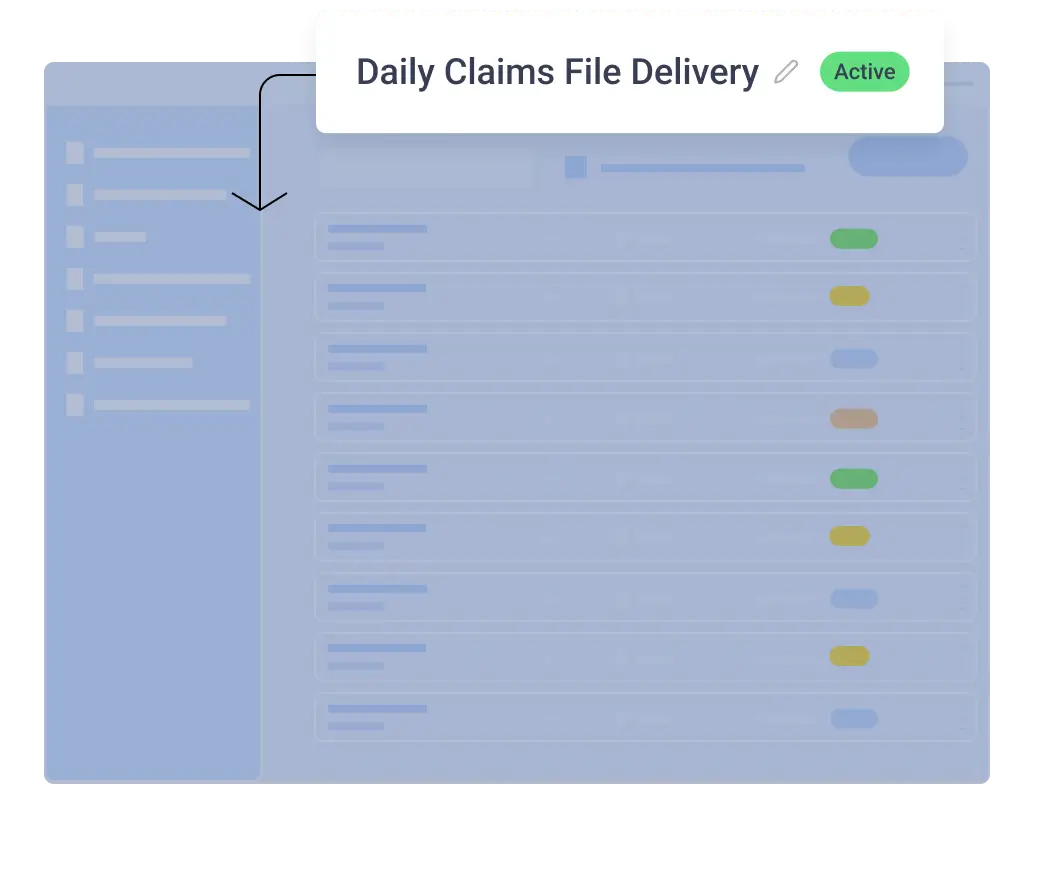
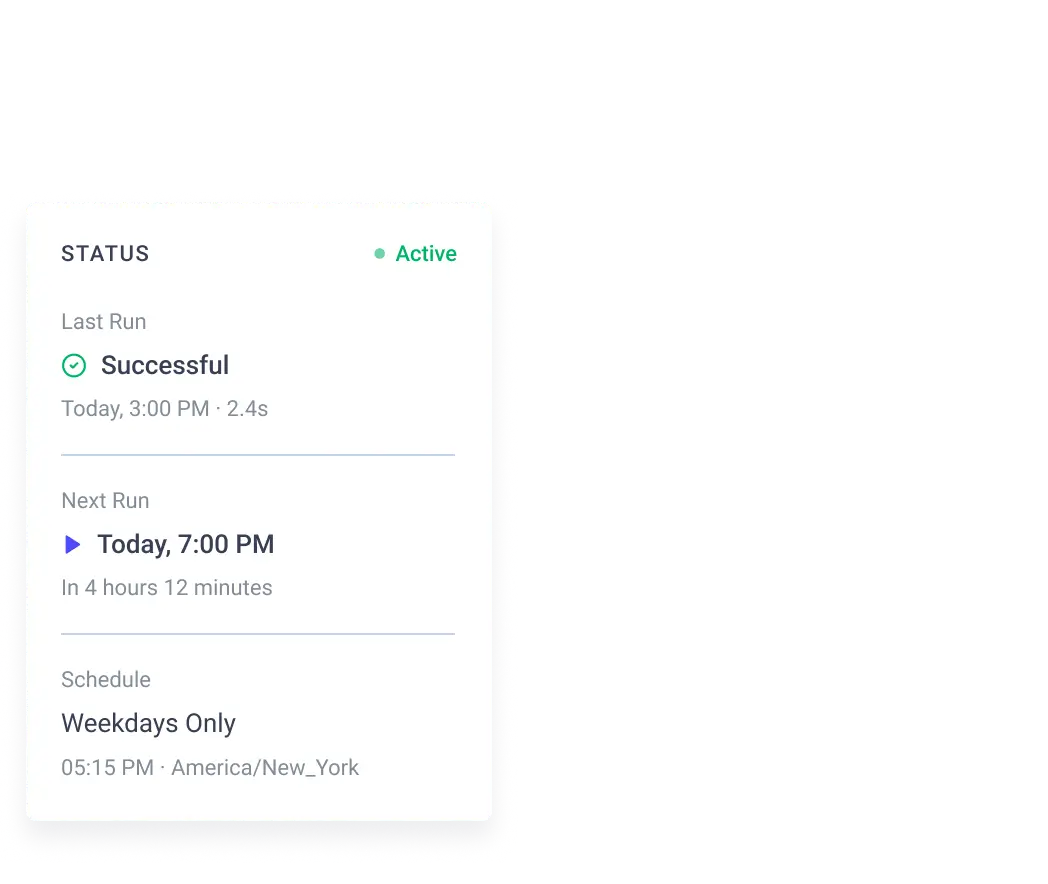
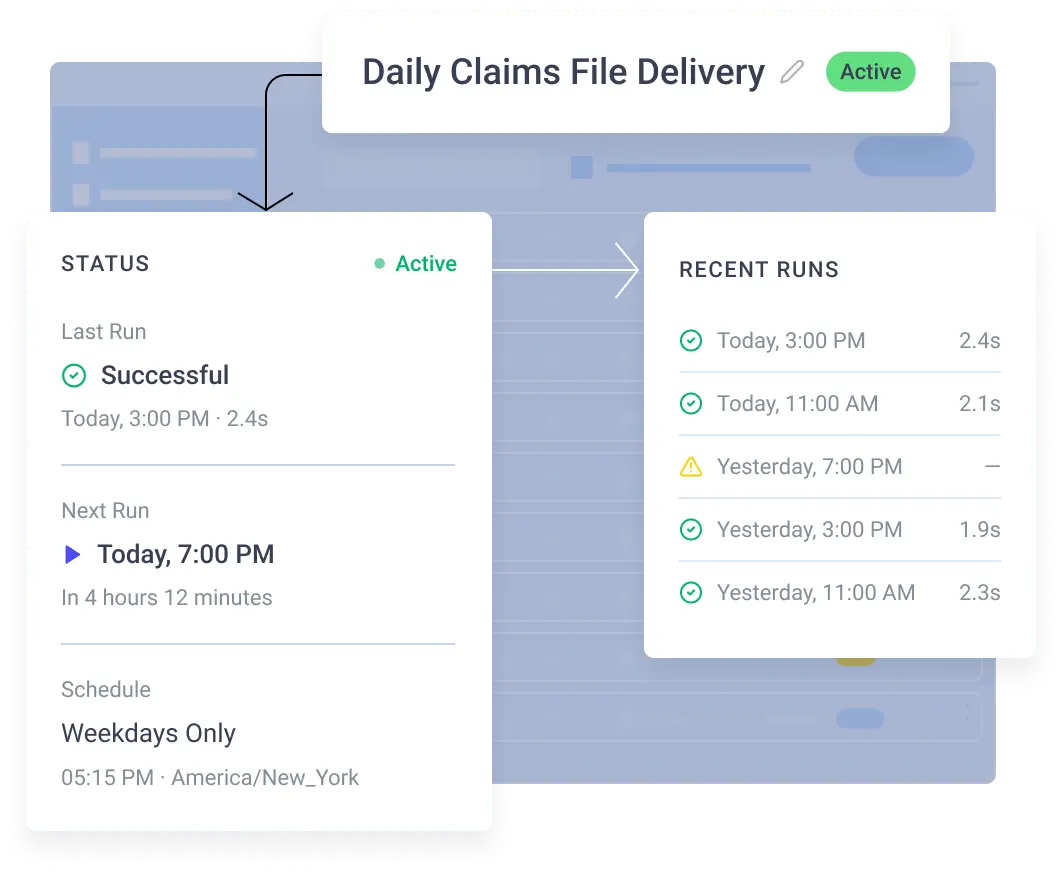
Automate MFT software provides a browser-based Web UI where users configure reusable workflow components such as credentials, endpoints, schedules and tasks. These components are stored and managed centrally in the cloud, helping simplify administration and improve consistency across workflows.
Execute Tasks with the Right Agent Type
Automate MFT software supports two agent types:
Progress-hosted Agents
These agents are deployed and managed by the Automate MFT SaaS service. They are designed for tasks involving publicly accessible endpoints. The service automatically provisions the agent, executes the task and cleans up the agent and temporary data afterward.
Use Progress-hosted agents when all endpoints are publicly accessible and the team prefers a fully cloud-managed, low-touch execution option.
Self-hosted Agents
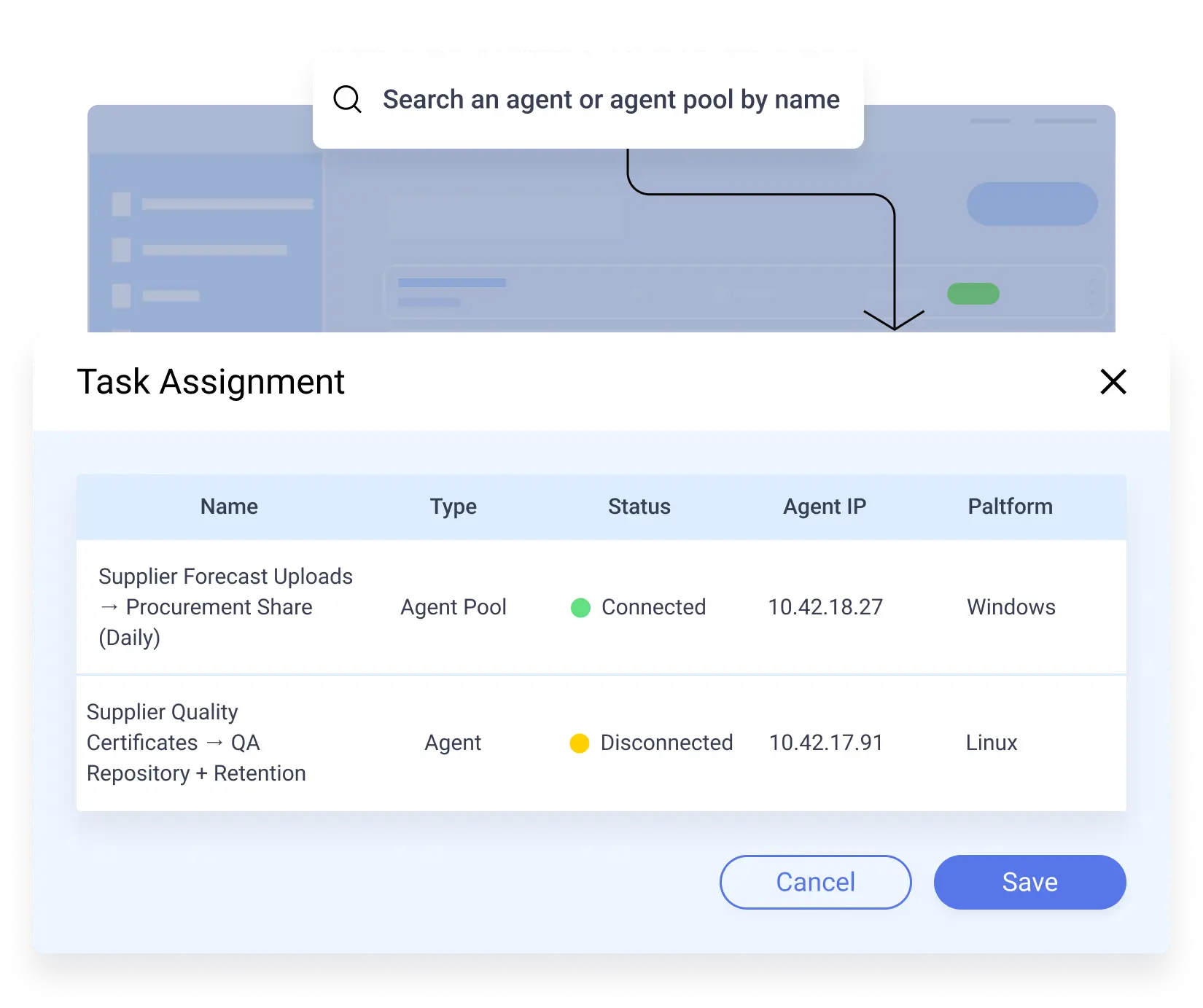
These agents are lightweight executables installed on modern Windows or Linux servers. They can support transfers between local and public endpoints and are ideal when workflows need access to private systems, local directories, internal network shares or endpoints behind the firewall.
Use self-hosted agents when workflows need to reach private systems, on-premises applications, internal file shares, mainframe-adjacent systems, restricted networks or data that should remain within a specific environment.


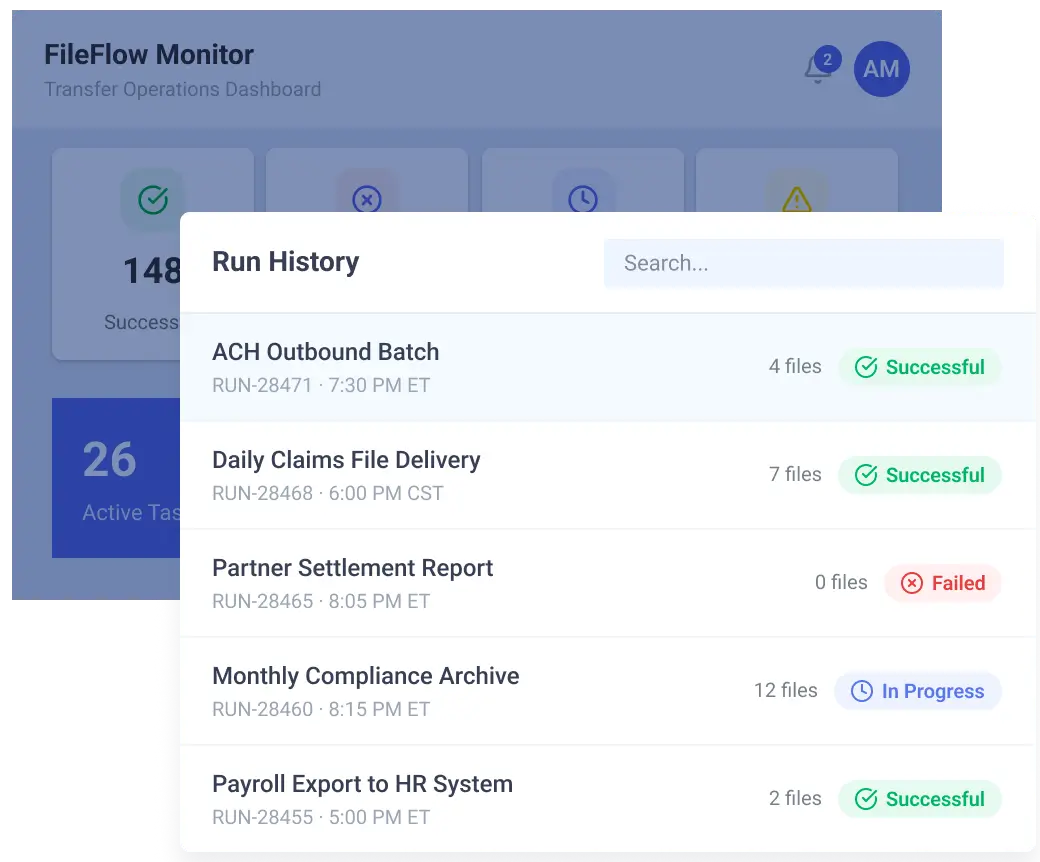
Monitor Activity from One Place
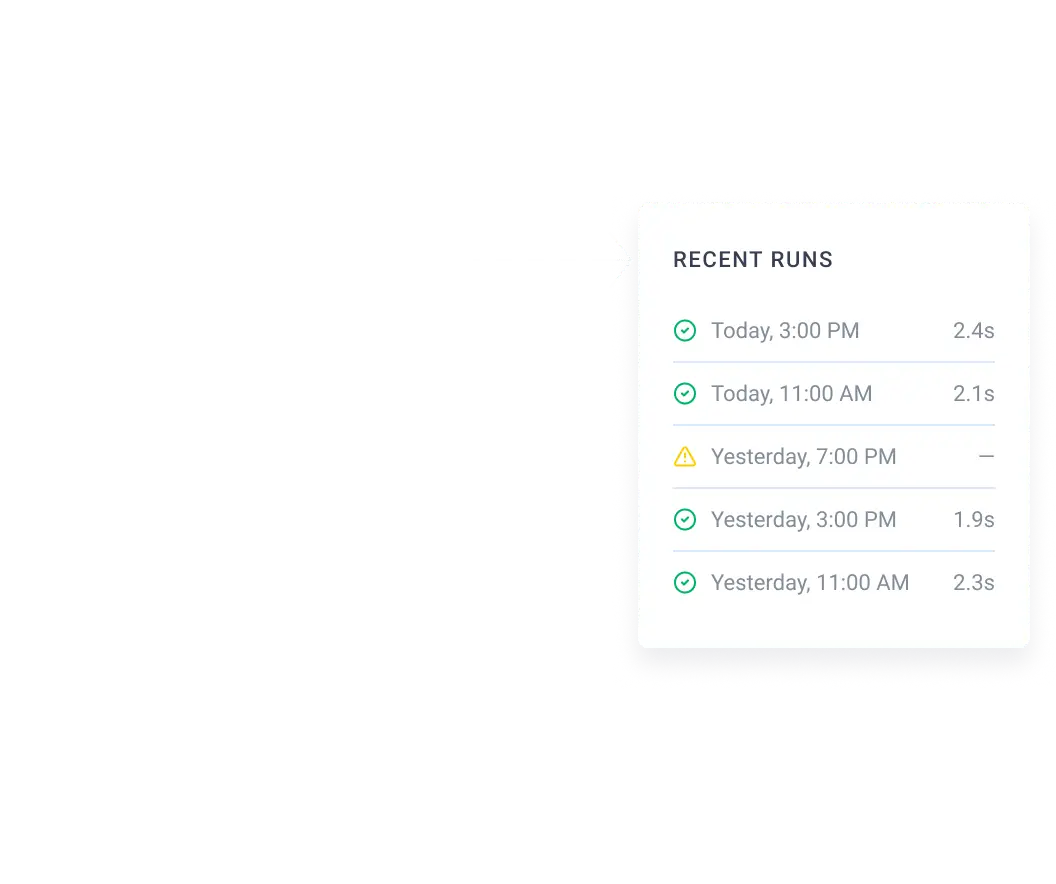
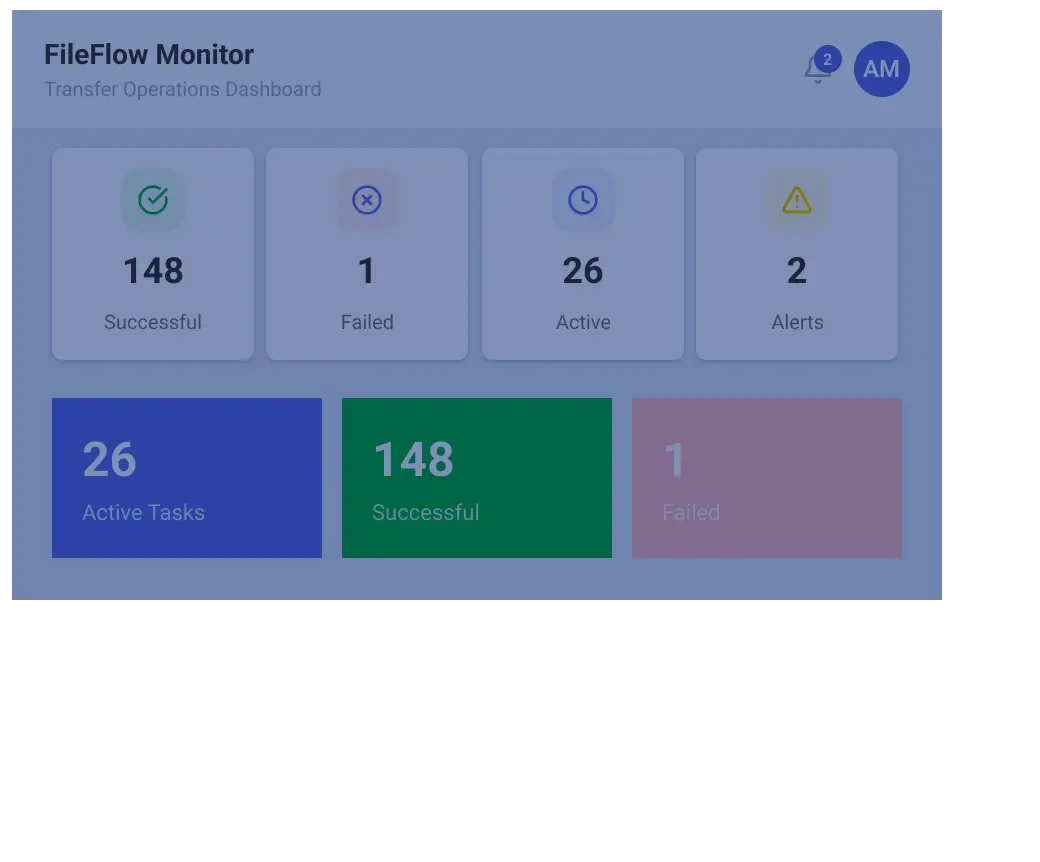
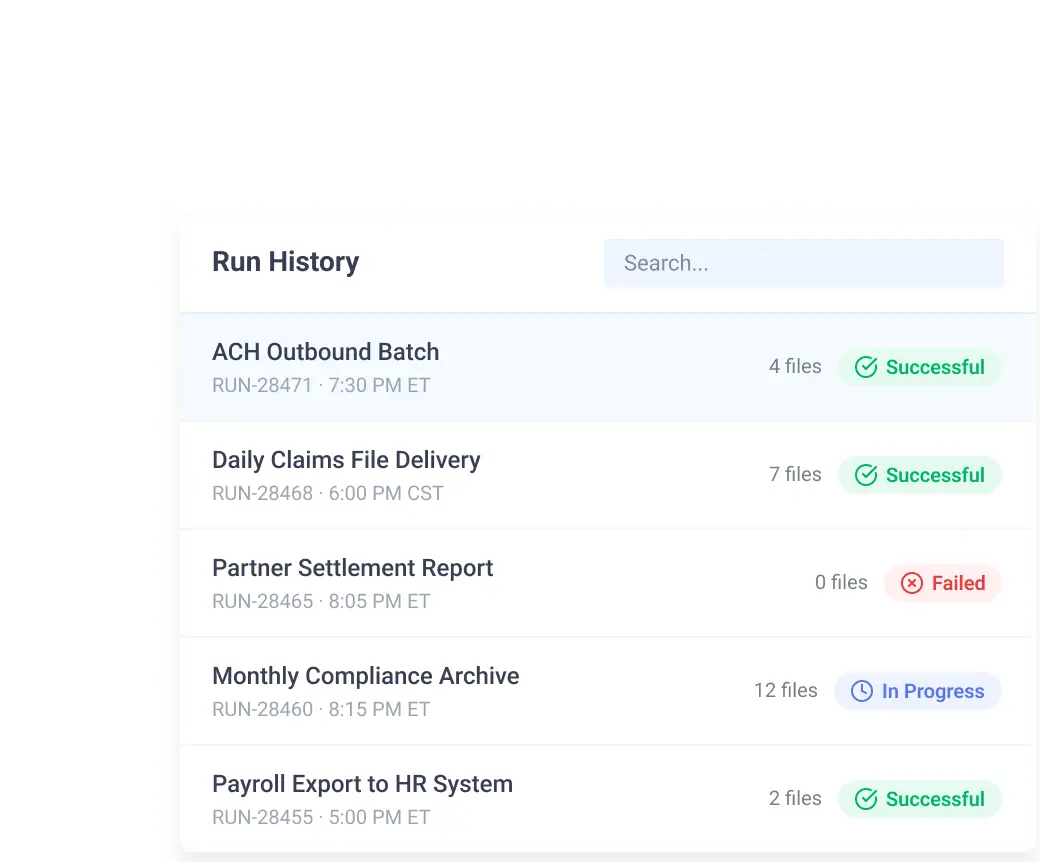
Automate MFT software supports task run and file activity reports so users can track workflow status, execution timing, transferred files and source and destination paths. Audit log reports provide a record of system activities, task runs and user actions for troubleshooting and analysis.
Comparing Agent-Based MFT and Monolithic MFT
| Capability | Monolithic MFT Approach | Automate MFT Agent-based Approach |
|---|---|---|
| Execution Model | Centralized execution hub where files may need to route through one platform | Distributed execution through Progress-hosted or self-hosted agents |
| Private Endpoint Access | May require exposing systems, opening network paths or routing data through central infrastructure | Self-hosted agents run inside the customer network and access endpoints available from that environment |
| Cloud Workflows | May require customer-managed infrastructure even for public cloud endpoints | Progress-hosted agents can run public endpoint workflows without local installation |
| Scalability and Resilience | Often requires more infrastructure planning and manual configuration | Agent pools distribute workloads and help tasks continue if one agent becomes unavailable |
| Governance | Visibility may be fragmented across servers, scripts and environments | Centralized management, reporting and audit visibility |
| Change Management | Workflow logic may be tied to specific servers or scripts | Reusable, centrally-managed components such as credentials, endpoints, schedules and tasks |
| Infrastructure Costs | May require MFT infrastructure at each private location, with additional servers or deployments for high availability | Uses lightweight self-hosted agents or agent pools for local execution, reducing the need to duplicate full MFT stacks across distributed environments |
Benefits of Agent-Based MFT
Related Automate MFT Capabilities
FAQs
Learning & Resources


Get Started with Agent-Based MFT
Move beyond monolithic MFT constraints with a flexible agent architecture built for hybrid operations, private networks, cloud services and real-world enterprise modernization.
